
Short answer
Automatic Email Manager works with incoming emails only. To process files that arrive in a folder, use Rofiles, our companion product. It works like Automatic Email Manager, but for files.

What is Rofiles?
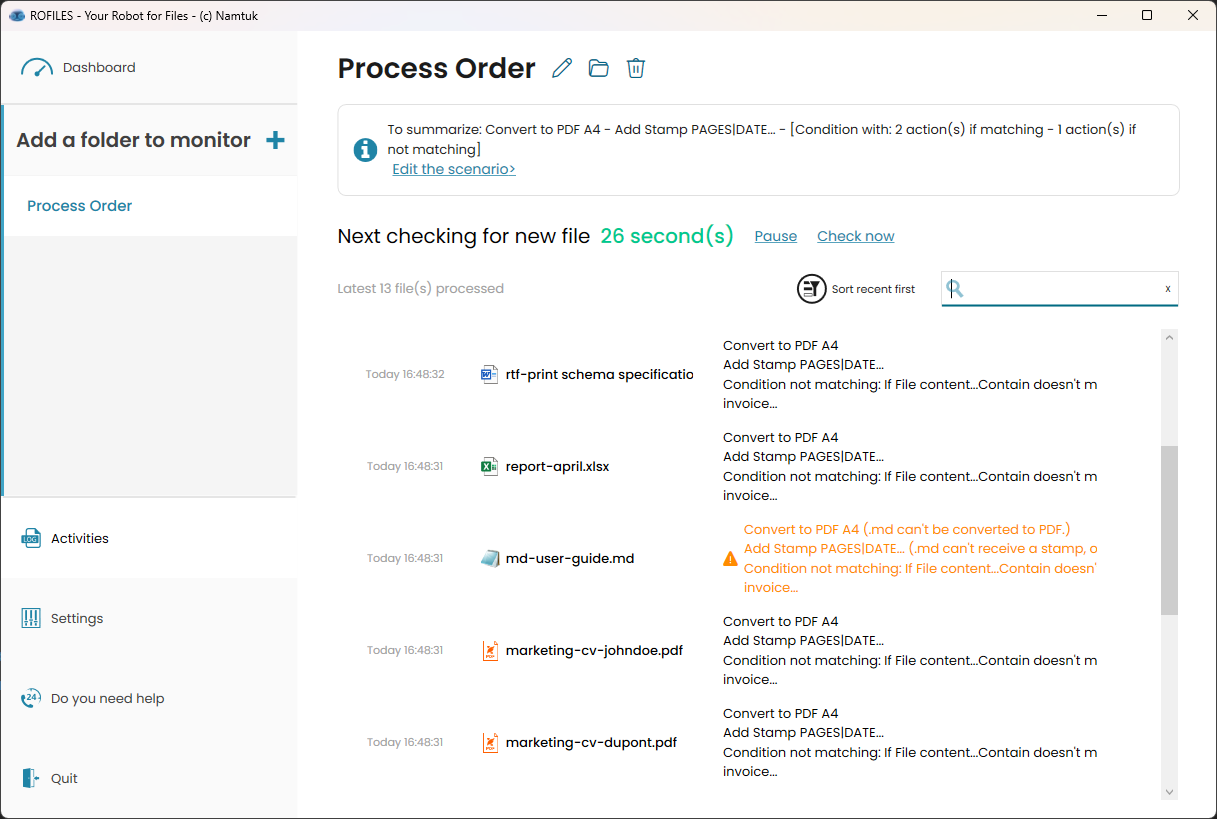
Rofiles is a Windows application that automates file processing on PCs and servers.
- It monitors one or more folders.
- When a new file arrives, it runs a scenario you defined.
- Scenarios can include conditions, so each file is handled according to your rules.
Like Automatic Email Manager, Rofiles runs as a Windows service in the background, even when no user is logged in.
What can Rofiles do?
Local file processing
- Convert many file types to PDF or image formats.
- Edit PDFs: add, remove, or reorder pages, split, or merge.
- Transform images: resize, crop, rotate, flip, mirror, or apply filters.
- Extract text from documents, PDFs, and images (OCR).
AI actions (using models such as Gemini or ChatGPT)
- Summarize long documents.
- Translate file content.
- Transcribe audio files to text.
- Convert text to audio.
- Generate images from text prompts.
Note: AI actions send data to an external service for processing.
Where can processed files go?
- Local disk or network share
- FTP or SFTP server
- Email, with a custom message and attachments
- Microsoft Teams or Slack
- Telegram or mobile push notifications
Using Automatic Email Manager and Rofiles together
You can combine both products. For example, Automatic Email Manager saves email attachments to a folder, and Rofiles then converts, renames, or sends them wherever you need.