
Keep your inbox tidy by automatically moving processed emails to another folder on the server, like an archive folder.
Note: This action needs to connect to your mailbox to list its folders.
Important: A Move action can't be shared between accounts. Folders are unique to each mailbox, even when they have the same name (it is in fact an ID which is used). Create a separate Move action for each account.
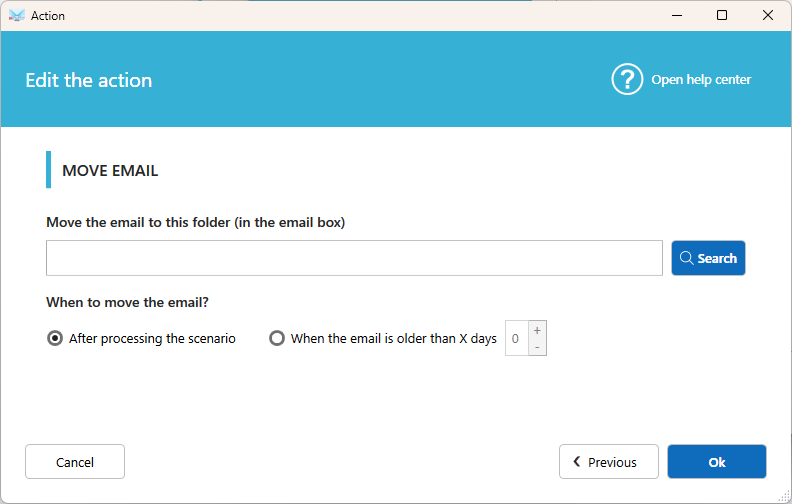
Settings
Folder
The destination folder on your mailbox. Click Search to list the available folders, then select one.
When to move the email
- After processing the scenario: the email is moved once all the other actions are done.
- When the email is older than x days: the email stays in the inbox for the number of days you set, then is moved.
Good to know
- A scenario can contain only one Move action.
- You can't use Move email and Delete email in the same scenario. Choose the one you want to keep.
- To keep a copy in the inbox, use Copy email instead.
Related articles
- Action: Delete email
- Action: Mark email as read, unread, answered, urgent