
Pause the scenario for a few seconds before the next action runs. Use it when an action depends on something outside Automatic Email Manager, such as a script that needs time to create a file.
It is most often placed after Run an external program, but you can add it anywhere in a scenario.
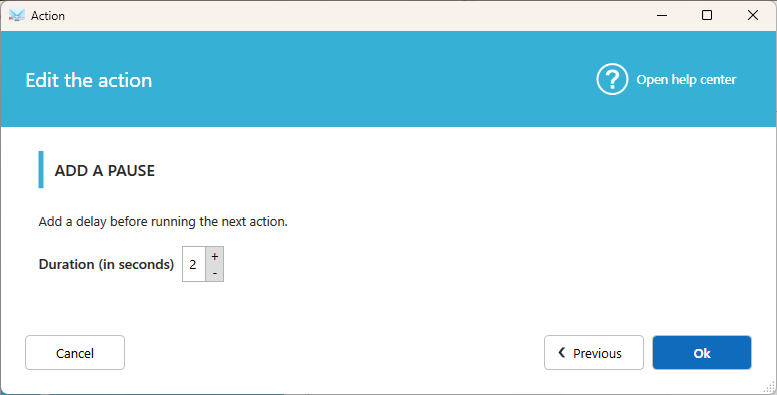
Settings
How many seconds?
Enter how long Automatic Email Manager waits before running the next action.
Tip
If your program returns a result, you may not need a pause. Turn on Wait for a returned value in Run an external program instead. Use a pause when your program doesn't return a value, or when you need a fixed delay.