
Overview
You can generate a quote yourself in a few clicks. The quote includes your local taxes and can be sent to your accounting department for approval.
Step 1: Open the quote page for your license
Choose the license type you need:
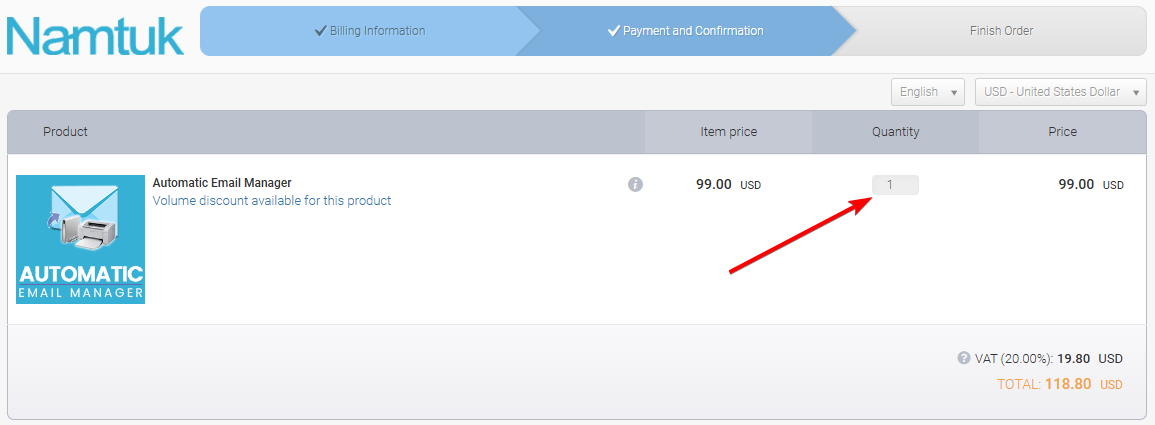
Step 2: Set the quantity
Enter the number of licenses you need.
Step 3: Click Get quote
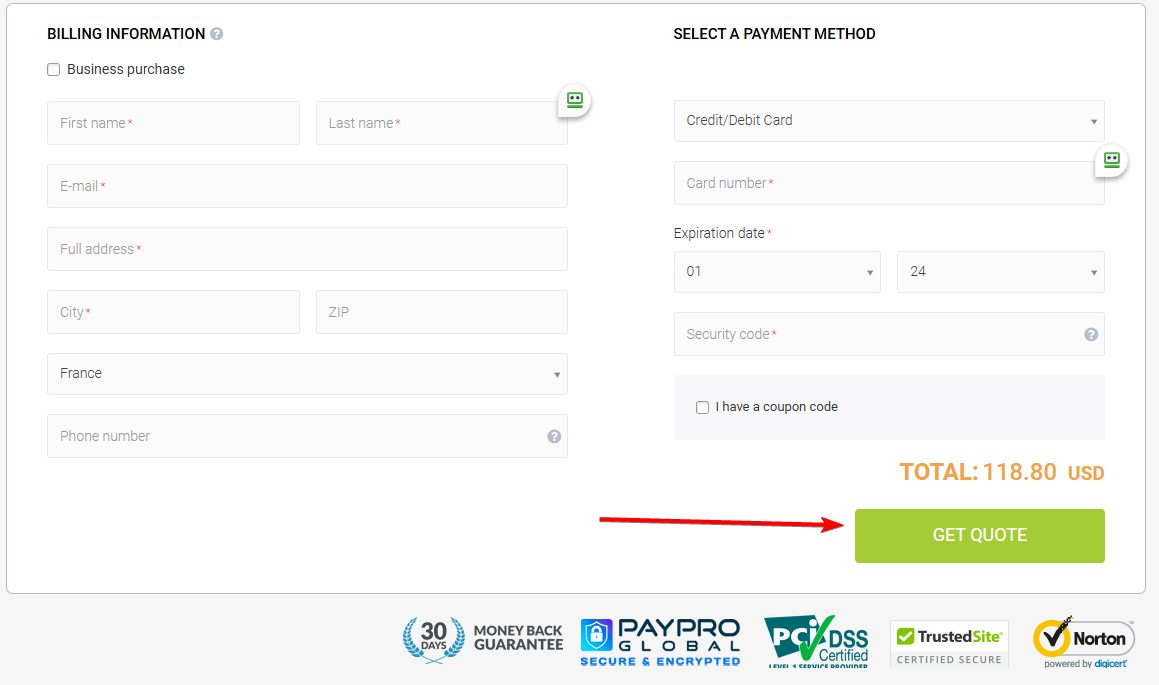
At the bottom of the page, click Get quote.
Step 4: Enter your billing details
Fill in the form with your company and billing information.
Important: Select your country correctly. It is used to calculate your local taxes (VAT or sales tax).
Your quote is then generated and ready to download or send.
Need something else?
- Special request: contact us.